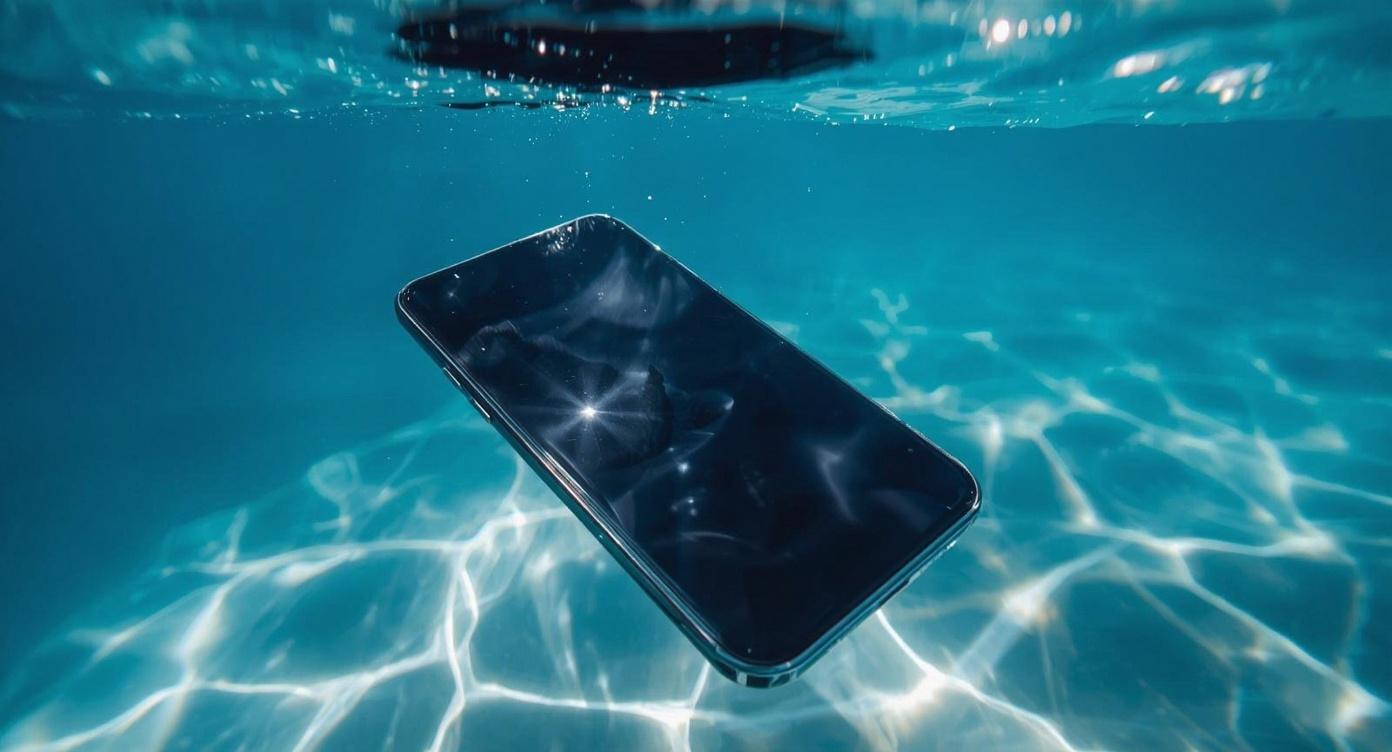
Accidents happen fast. One moment your iPhone is safe, the next it’s splashed in a sink or bathtub.
Accidents happen quickly, especially with devices we carry everywhere. One moment your iPhone is in your hand, the next it’s sitting in a sink, sliding into a bathtub, or taking an unexpected splash in the shower. Even though modern iPhones include water resistance, moisture exposure still causes plenty of problems for users across Melbourne.
Water damage doesn’t always appear immediately. In many cases, a phone may continue working for hours or even days before issues begin to surface. Screens may flicker, speakers might sound distorted, charging may stop working properly, or the device may shut down unexpectedly. Acting quickly after exposure can make a big difference in preventing further damage.
Here’s what Melbourne iPhone users should know if their device gets wet, along with the steps that can help protect it.
Many people assume water damage only happens during beach trips, swimming pools or heavy rain, yet some of the most common causes occur at home.
Bathrooms are a frequent culprit. Using your iPhone while watching videos in the bath, checking messages during a shower, or placing the phone near a sink can easily lead to accidental splashes. Steam from hot showers also introduces moisture into the air, which slowly makes its way into charging ports, speakers, and internal components.
Bathtubs pose an even greater risk. Phones resting on the edge of the tub can slip easily, and while a quick drop into the tub may only last a few seconds, that short moment is enough for liquid to reach sensitive areas.
Other everyday situations that contribute to water damage include:
Drinks spilling on desks or bedside tables
Phones falling into sinks while washing hands
Carrying devices in pockets during heavy rain
Condensation forming after moving between hot and cold environments
These incidents often feel minor at the time, yet moisture inside the phone can trigger corrosion and hardware problems later.
A common misconception is that iPhones are completely waterproof. In reality, they are water resistant, which is a very different concept.
Water resistance ratings, often listed as IP67 or IP68, indicate that the device can survive limited exposure under controlled conditions. These ratings are tested in laboratories with clean water, stable temperatures, and specific depths.
Real-world situations rarely match those conditions. Soap, shampoo, bath salts, or minerals in tap water can interfere with protective seals. Steam from hot showers introduces moisture gradually, which also bypasses those protections over time.
Another important factor is wear. The seals that provide water resistance weaken as the device ages. Drops, small cracks, or previous repairs may reduce the level of protection even further.
Because of these factors, a phone that survives brief water exposure today may still develop internal issues later.
Quick action helps limit the spread of moisture inside your device. If your iPhone has been exposed to water, these steps can help protect it:
Powering down prevents electrical current from moving through wet components, reducing the risk of internal damage.
Take off cases, charging cables, and other attachments so moisture can escape more easily.
Use a soft cloth or towel to remove visible water from the outside of the phone.
Positioning the phone upright allows water to drain away from ports and speakers.
Avoid turning the device back on too quickly. Even if the phone appears fine at first, moisture inside the device may still cause problems.
Many well-known “fixes” circulating online can actually make water damage worse.
Placing a phone in rice is often suggested as a solution, yet rice does very little to remove moisture trapped deep inside a device. Small particles can also enter charging ports and create additional issues.
Hair dryers, heaters, or direct sunlight may push moisture deeper into the phone and damage internal components.
Connecting a charger while moisture remains inside the device increases the risk of short circuits.
Instead of relying on quick internet fixes, proper drying and professional inspection provide far more reliable results.
One of the most frustrating aspects of water exposure is that damage may appear gradually.
Some of the most common issues include:
Water trapped inside speaker chambers can lead to muffled sound or buzzing during calls and media playback.
Moisture in the charging port may lead to unreliable charging or connection failures.
Moisture reaching the display can create flickering, dark spots, or unresponsive touch areas.
Condensation inside the camera lens can affect photo clarity and signal deeper moisture inside the device.
Over time, tiny traces of moisture may corrode internal circuits, leading to unpredictable shutdowns or hardware failures.
Because these problems develop slowly, many users don’t realise their device suffered water damage until weeks later.
When water enters a smartphone, it rarely stays in one place. Internal components are tightly packed, allowing moisture to travel through connectors and circuits.
A professional diagnostic check helps determine how far the water has spread and which components require attention. Technicians can inspect internal parts, clean affected areas, and identify corrosion before it becomes a larger issue.
Early intervention often prevents more serious damage and keeps repair costs lower compared to waiting until the phone stops working entirely.
A few simple habits can help reduce the risk of moisture exposure.
Keep phones away from sinks and bathtubs, particularly when surfaces are wet or slippery. Avoid using devices during showers where steam builds up in the air. Using a protective case with raised edges also reduces the chance of a phone sliding off surfaces.
For people who frequently use their phones near water, waterproof pouches offer an extra layer of protection.
Small precautions like these go a long way in extending the life of your device.
Water damage is one of the most common issues affecting smartphones, and quick action makes a significant difference. If your iPhone has been submerged in liquid, getting it checked early helps prevent long-term problems.
For Melbourne users dealing with water-damaged devices, professional iphone repair services provide fast diagnostics and reliable solutions. From charging port issues to internal component cleaning, experienced technicians can restore your phone’s performance and keep it running smoothly.
If your iPhone has taken an unexpected dip, don’t wait for problems to appear. A quick inspection today could save you from a much bigger repair tomorrow.
This article is provided free of charge for public information. We do not guarantee, and accept no legal liability for, the accuracy, reliability, currency, or completeness of the content or any linked material. Users should apply their own judgment and verify the material’s relevance to their needs. This article is a general summary and not a substitute for legal or professional advice. Users should seek appropriate advice for their circumstances. Any third-party views expressed do not necessarily reflect ours or imply endorsement.
©2026. All rights reserved.